
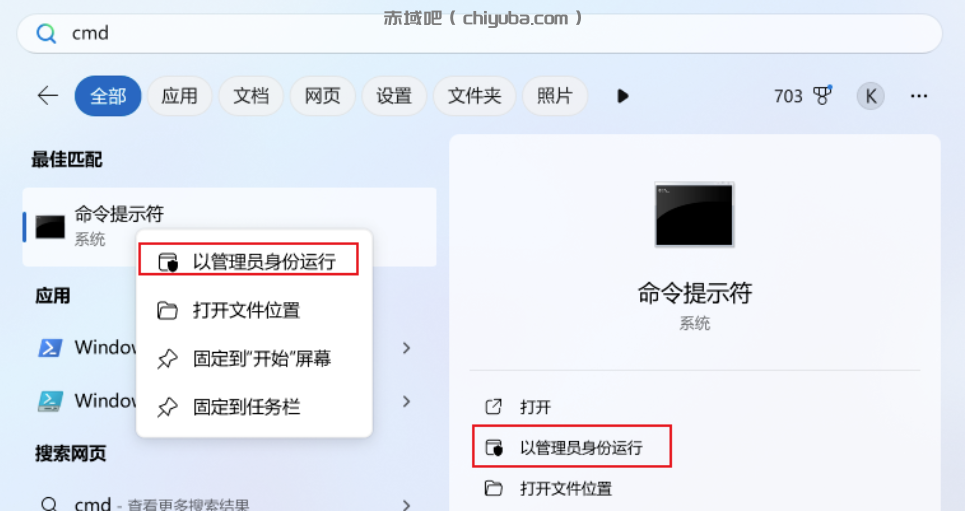
恢复到经典右键
需要以管理员身份运行CMD或者Powershell后,输入如下的命令添加一个注册表信息即可:
reg add "HKCU\Software\Classes\CLSID\{86ca1aa0-34aa-4e8b-a509-50c905bae2a2}\InprocServer32" /f /ve重启生效
taskkill /f /im explorer.exe & start explorer.exe
回退到win11
reg.exe delete "HKCU\Software\Classes\CLSID\{86ca1aa0-34aa-4e8b-a509-50c905bae2a2}\InprocServer32" /va /f重启
taskkill /f /im explorer.exe & start explorer.exe

评论
请先登录后发表评论